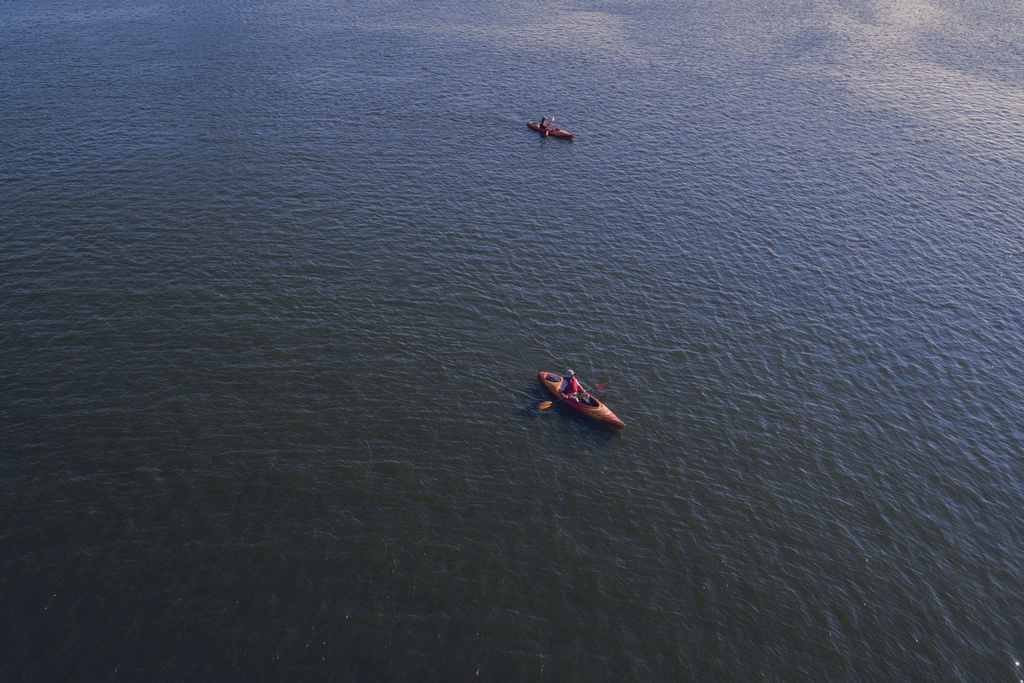
Aerial view of two kayaks paddling on a river
Find it · Time it · Paddle it

Find places to paddle, and the perfect time to go.

Paddle Explorer automatically maps every way onto the water near you - launches and ramps, canoe & kayak access, whitewater put-ins, rentals and marinas - then scores the conditions for your craft, flags the hazards, plans your route, and can email you the moment the best windows open.

Free to use · No credit card · Schedule with or without Google
KayakCanoePaddleboardSurfskiRowing
Low tide 2:14p
Gentle, rising after
Spots near you
LaunchAccessRental
Georgetown WaterfrontGreat
Wind
6
Gust
11
Water
Good
UV
3
Fri
Sat
Sun
Mon
Tue
Wed
3 rentals nearby
Kayak & SUP hire
Built on trusted public data NOAA Tides Open-Meteo EPA Water Quality USGS Gauges OpenStreetMap
Everything in one place

Your whole trip, from put-in to paddle

Stop stitching together five apps and a paper tide table. Paddle Explorer finds the spots, reads the water, and plans the day for you.

Find every way in

Automatically maps public launches and ramps, canoe and kayak access points, whitewater put-ins and egresses, marinas and beaches near any stretch of water.

Rentals when you need them

No boat of your own? It finds nearby kayak and paddleboard rental spots too, so you can plan a paddle just about anywhere you go.

Rated for your craft

Wind, gusts, rain, temperature and UV become one Great-to-Unsafe score, tuned to how kayaks, canoes, paddleboards, surfskis and rowing shells really handle.

Read the water itself

Nearest NOAA tide station, live river gauges and EPA water-quality readings - so you catch the water moving with you, and know it is clean before you launch.

Watch the wind move

Flip on a live animated wind layer and see the breeze stream across the map - colour-coded from calm blue to gusty red - so you can spot sheltered water and pick the side of the lake that is working.

Plan the route, not just the put-in

Draw your own line and watch each leg snap to the river channel, or let Surprise me sketch a loop of the distance you choose - paddling distance and current worked out for you.

Know the hazards first

See paddler-reported low-head dams, weirs, strainers, rapids and required portages on the map - flagged Danger, Caution or Info, and confirmed by fellow paddlers.

Get a nudge when it is good

Set a conditions alert on any spot and we will email you when a Great or Good window opens for your craft - so you never miss the calm morning or the perfect tide.

Outlook, saved spots & logbook

A colour-coded multi-day outlook to spot your best day, plus saved spots and a logbook to keep favourites and track the paddles you have done.

How it works

Four taps from couch to current

Most of the work happens automatically - you just choose where, and when.

1

Drop a pin anywhere

Search a place or tap the map. Paddle Explorer scans the area for launches, access points, rentals and marinas, and finds the nearest tide station and gauges.

2

See what is good, and when

Pick your craft and read every spot and day, scored Great to Unsafe from live wind, tide, flow, weather and water quality.

3

Plan the trip

Draw a route that snaps to the river or let it surprise you with a loop, check reported hazards, save the spots you love, and keep a logbook.

4

Add it, or get alerted

Download a calendar file or connect Google for one-click events and friend invites - or set an alert and let us email you the next time conditions line up.

Scheduling

Put it on your calendar - your way

Found your window? Lock it in however suits you. A Google account is completely optional.

No account needed

Download a calendar file

Export your chosen paddle windows as a standard calendar file (.ics) and open it on any device. It drops straight into your calendar - no sign-in, no permissions, nothing to connect.

Apple CalendarOutlookGoogle CalendarAndroidAny .ics app

Or connect Google Calendar

Prefer one click? Link your Google account and Paddle Explorer can add windows as events automatically - and let you invite friends along from your contacts. Optional, and you can disconnect any time.

One-click addInvite friendsAuto colour-coded
Your data, explained

Clear about what we access, and why

Everything core works with no account at all. If you do connect Google, here is exactly what it is for - and nothing more.

Google Calendar - to add your paddles

Only if you connect it: when you choose a window, Paddle Explorer can add it to your Google Calendar as an event. We only create events you ask us to, and never read or change your other entries. Prefer not to? Use the calendar-file download instead.

Google Contacts - to invite friends

Only if you connect it: so you can pick a friend as a guest on a planned paddle. You choose who, every time. We do not store your contact list or message anyone on your behalf.

We never sell your data or share it with advertisers. Connecting Google is entirely optional - discovery, conditions, routes, saved spots and calendar-file export all work without it - and you can disconnect any time, or revoke access from your Google Account settings.
Kayaker paddling on calm open water

Your next great paddle is out there

Create a free account and see every launch, rental, hazard and perfect window near you - and get an email when the water looks good.